Advanced Bézier Arc Editor
See the motion. Shape the arc. Keep the keys.
Fixing an arc through X, Y and Z curves in the Graph Editor is indirect: you change one channel, check the trail, change another. The arc is what you see, so it should be what you edit.
On a character, not just a ball.
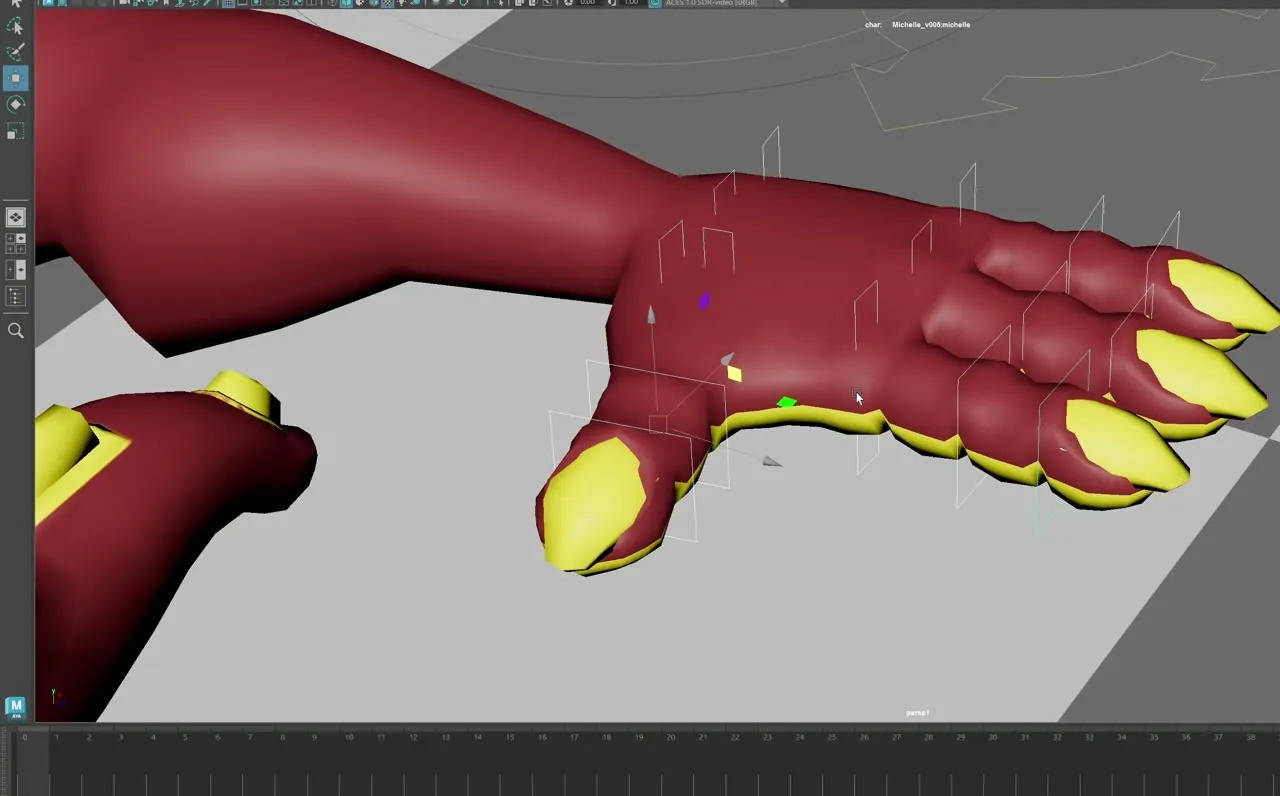
The same trail and handles work on a rig's controls, here a foot control through a jump. Display the arc in world or screen space, protect frames you don't want to move, and edit the whole arc or only part of it.
Preview, Apply, Restore.
Preview
Drag Bézier handles or use Smooth, Exaggerate and Soften. The proposed arc is drawn over the original and nothing is written yet. Mix blends from original to proposed.
Apply
Writes the result to the real animation curves in one undoable step.
Restore Original
Brings the animation back as it was before your first edit, even after several applies. Discard drops a preview you don't want.
Also in the box.
Smooth without losing the shape
Smooth Amount and Shape Preservation clean a wobbly arc while keeping its shape and, optionally, its timing.
Swing around a temporary pivot
Offset Pivot lets you rotate a whole arc around a foot, a shoulder or any point you place, then bake it back.
IK and FK controls
IK controls are edited directly. For FK, Apply rotates one parent (elbow or shoulder) to move the child.
Protected frames
Lock the current frame or every keyframe so arc edits, smoothing and timing changes leave them in place.
Details.
- Maya versions
- Autodesk Maya 2022–2027 (separate packages for 2022–2024 and 2025–2027)
Beta. Viewport 2.0 required.
- Current version
- 0.9.1 (Beta)
- Dependencies
- None beyond Maya. Uses Viewport 2.0 for drawing the trails.
- Installation
- Unzip the package for your Maya version somewhere permanent.
- Drag the installer into a Maya viewport.
- Choose a shelf for the ArcEd button.
- Known limitations
- Editing happens in world space. Screen Space is for viewing only, so handles and spacing beads are disabled there.
- FK editing rotates one parent per edit. Solving a multi-joint chain isn't implemented.
- Timing edits keep the path within the Accuracy setting; the report states the measured deviation.
- Ranges longer than 2,000 frames are clamped.
- Offset Pivot handles one control's translate and rotate with plain keys in the base layer.
- What’s new
0.9.1
- Offset Pivot: swing an arc around a temporary pivot, then bake or cancel.
- Basic and Advance interface modes; Edit tab first.
- Two-page How to Use guide in every download.
- Installer asks which shelf gets the button.
- Licence
- One-time purchase. Freelancer and studio-seat licences are listed on Gumroad. See the options
- Support
- levent.animtools@gmail.com
Get Advanced Bézier Arc Editor.
Reshape a control's motion arc directly in the viewport with Bézier handles.